
Getting started with the HSM Portal
Please review the guides below. If you have any questions, please contact your HSM account manager or our dedicated support team at HSMx@hilton.com.
How do I access the HSM Portal?
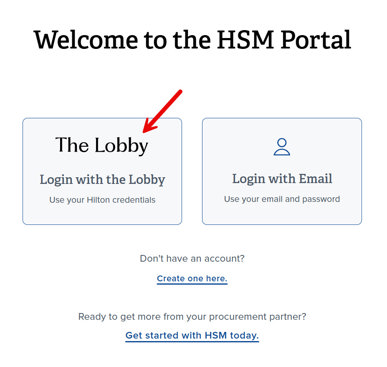
Login to the HSM Portal with your Lobby credentials.
How do I gain access to Reports?
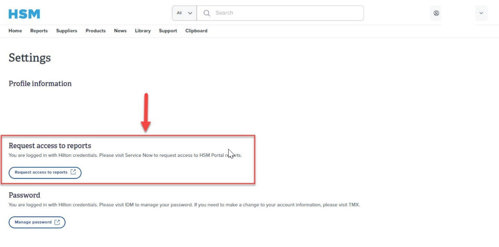
1. Click on your name in the upper right corner of the page and select "Settings" in the drop-down menu.
2. Click on the "Request access to reports" button as shown below. You will be redirected to the request form in ServiceNow.
3. In the Details section of the form, for the question "What type of access is this?", select "Add Access".
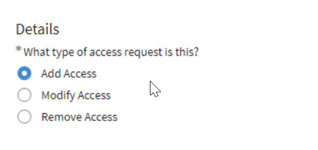
4. For the question, "What application/system do you require access to?", type in HSM Portal and select it from the list so that the field is populated with the selection.
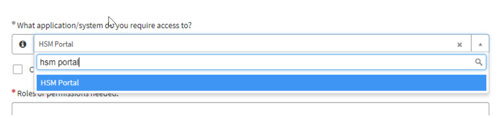
5. In the "Roles or permissions needed" field, select a report from the list.
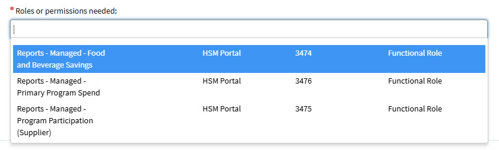
6. Click within the field next to the grey report name you previously selected to select another report from the list. Continue this step until all applicable reports are selected.

7. Enter a response in the "Please provide a business justification and any additional relevant information for this request."

8. Click the blue "Order Now" button to the right of the form fields to submit the request.
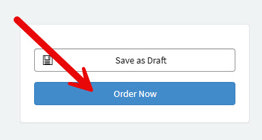
9. You will receive a confirmation message on screen with a ticket number. Reference this ticket number if you need to contact the help desk for information about your request. Your request will be reviewed by the HSM Portal team, and you should expect a response within 2 business days.
Reports Quick Guide
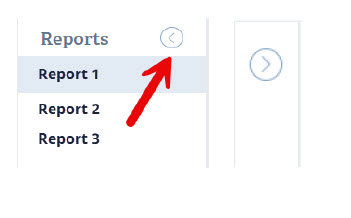
How do I collapse the left Reports pane?
Click on the left-facing arrow icon to the right of the Reports tab name. Once clicked, the report names will collapse, and the report will expand to the full screen. Click the arrow again to expand the reports list.
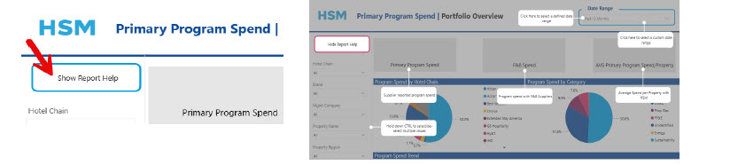
How do I use the report help function?
Click on the "Show Report Help" for pop-up descriptions of each section of the report.
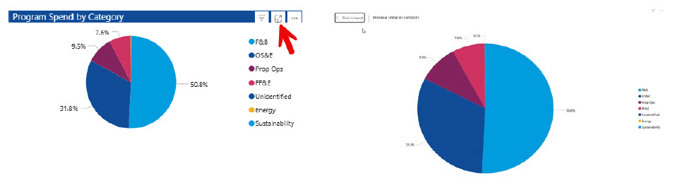
How do I use the focus mode?
Click to expand a section of a report.
How do I navigate the reports?
Additional report pages can be accessed by navigating to the bottom of each report. The last page is the Report Description, which contains a glossary and overview of the report’s contents.

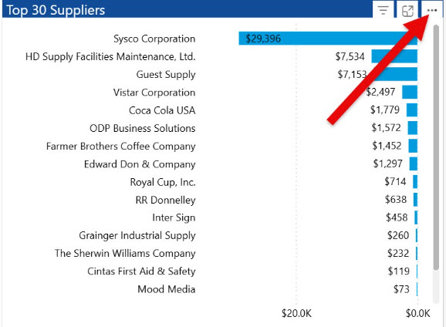
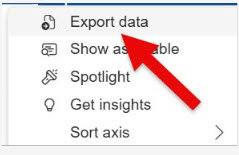
How do I export a report to Excel?
Download the data to Excel to save and view offline or share with others.