
Getting started with the HSM Portal
Please review the guides below. If you have questions or face issues, please contact your HSM account manager or our dedicated support team at HSMx@hilton.com.
How do I access the HSM Portal?
Login to the HSM Portal with your work email address.

How do I setup my HSM Portal account?
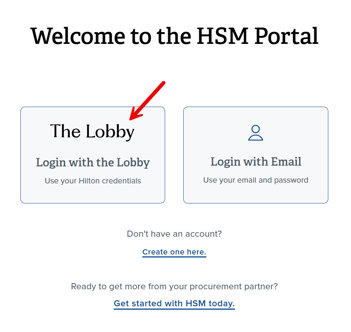
1. From the HSM Portal login page, click on "Create one here".
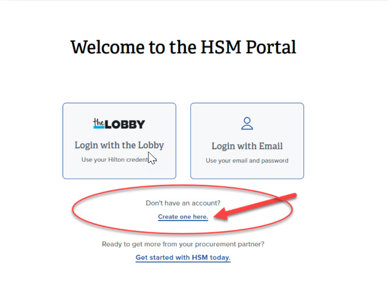
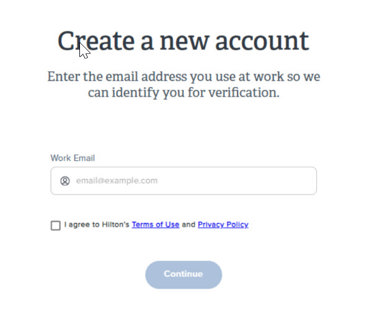
2. Enter your work email address. (Contact your HSM account representative if you use gmail, yahoo, etc.) Click the checkbox next to "I agree" and then click Continue.
3. Check your work email for the verification code and enter it into the field. Click Continue.
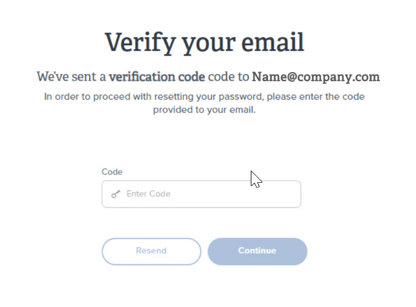
4. Create a password that meets the specified requirements.
5. Return to the HSM Portal login page and click on "Login with Email" to login with your newly-created account.
How do Hilton-branded properties access the HSM Portal?
Hilton property team members can login using their Hilton credentials via the "Login with the Lobby" method. Refer to the Hilton Franchised Team Member page for more information.
How do I grant access to Team Members at non-Hilton properties?
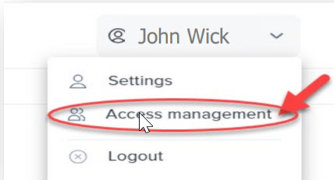
1. Click on your name in the upper-right corner and select "Access Management" in the drop-down menu. (Please contact your HSM account representative if you do not see this option.)
2. Click on "Add Users" and select an option from the list.
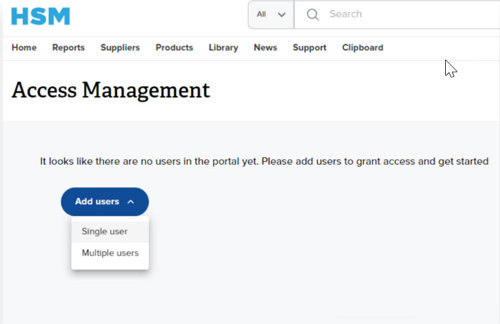
3. Enter the required information.
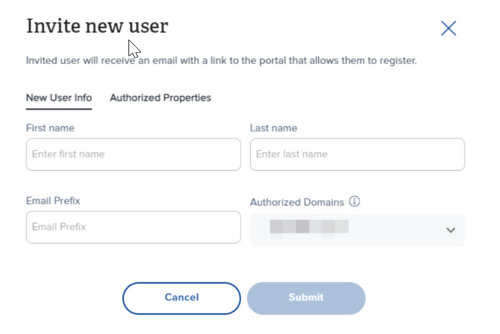
4. Select the property or properties to assign to each user.
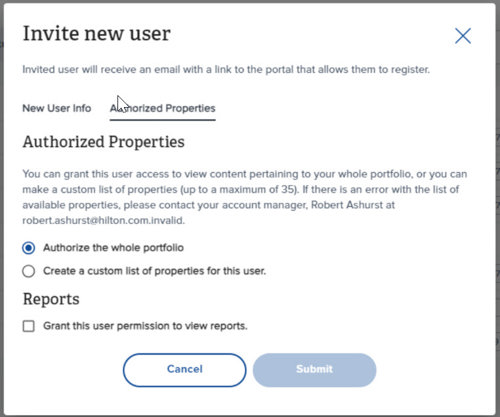
5. OPTIONAL: Select the checkbox next to "Grant this user permission to view reports."
6. Click Submit. The user will receive an email invitation with a link to create their HSM Portal account.
Reports Quick Guide
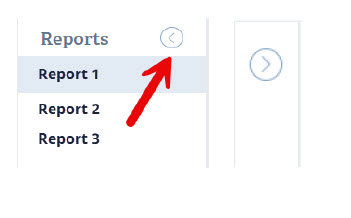
How do I collapse the left Reports pane?
Click on the left-facing arrow icon to the right of the Reports tab name. Once clicked, the report names will collapse, and the report will expand to the full screen. Click the arrow again to expand the reports list.
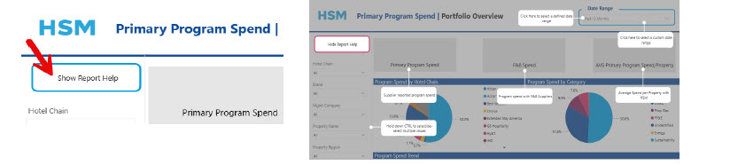
How do I use the report help function?
Click on the "Show Report Help" for pop-up descriptions of each section of the report.
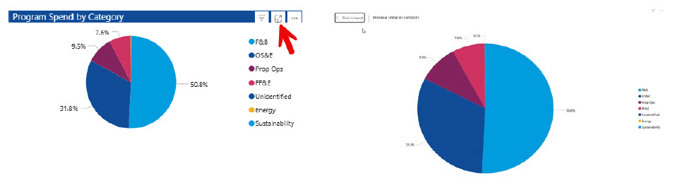
How do I use the focus mode?
Click to expand a section of a report.
How do I navigate the reports?
Additional report pages can be accessed by navigating to the bottom of each report. The last page is the Report Description, which contains a glossary and overview of the report’s contents.

How do I export a report to Excel?
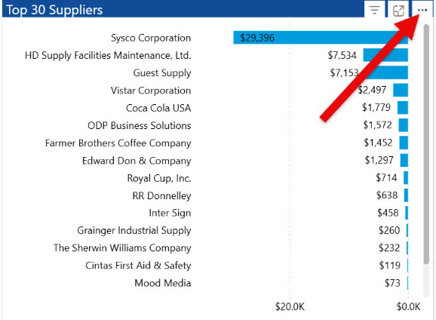
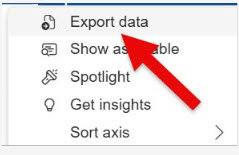
Download the data to Excel to save and view offline or share with others.